
Tech guide: Vermont obituaries and digital context
A practical checklist for tech readers: how obituaries intersect with digital archives, local directories, and online privacy in Vermont.

Tech readers need clear, practical guidance when dealing with Vermont obituaries and related online resources. This guide starts from basics, then builds to practical options, highlighting how to use digital archives responsibly and efficiently. You’ll learn how to verify sources, protect personal data, and plan a reliable workflow for research or community updates.
The checklist approach keeps steps concrete: what to search, how to assess credibility, and where to publish or preserve notices online. Expect concrete examples you can apply to research, genealogy, or community reporting without chasing vague tips. Each paragraph adds a tangible action or caution so you can implement immediately.
By treating obituaries as data points, you can connect technology tools—search operators, archives, and local directories—with real-world tasks. The focus stays on clear methods, not speculative claims, so you can build a repeatable process. The goal is to help tech readers save time while maintaining accuracy and privacy.
- Start with a clear definition of obituary types and sources. Build credibility by cross-checking with multiple outlets. Save notices with consistent metadata and backups.
- Use precise sourcing, verify dates and names, and redact sensitive details when sharing publicly. Establish a privacy-minded workflow for archiving.
- Employ familiar tools to model data, maintain audit trails, and reassess tools as needs evolve. Publish only when there is clear tech relevance or community value.
Basics to understand
What counts as an obituary
Begin with a precise definition: an obituary is a published notice of a death that includes a short biography and key dates. Distinguish between paid notices, traditional obits, and community remembrances found online. This clarity helps you identify reliable sources and avoid duplicates. Vermont obituaries are a useful starting point for learning how local notices intersect with digital archives.
Obituary formats vary by publisher and platform, so expect differences in length and data fields. Look for standard elements like name, date of death, age, and survivor details. Knowing these patterns speeds up extraction and comparison.
- Identify source types (newspapers, funeral homes, family notices)
- Note common fields (name, date, location)
- Record publication date and URL
- Plan a minimal data schema for notes
Sourcing basics
Start with local archives and the Vermont Post website to locate regional notices efficiently. Use site-specific search operators to limit results by town or date. This keeps your results relevant and reduces time spent wrestling with generic search results.
Cross-check with multiple outlets when possible to confirm details like dates and survivor names. If an obituary lacks critical data, treat it as a potential lead rather than a finished record.
Set up a minimal workflow: capture the obituary, record the source, and note any updates or corrections as you verify information.
- Use targeted searches by town and year
- Cross-check against multiple sources
- Record source details for auditability
- Flag missing data for follow-up
How to verify credibility

Evaluating online notices
Treat every obituary as a potential data point that benefits from corroboration. Look for author names, publisher reputation, and consistency with other notices. When in doubt, prioritize primary sources like official funeral home notices.
Be wary of user-generated posts that may lack dates or locations. Cross-reference with library catalogs or state archives where available. This reduces the risk of propagating errors or outdated information.
Develop a quick credibility checklist you can run in under five minutes per item: source type, date, author, cross-source match, and any notable corrections.
- Check publisher credibility
- Look for official notices when possible
- Cross-reference with archives
- Note inconsistencies
Finding and saving notices
Digital workflow for notices
Create a repeatable process: search, extract key fields, save with metadata, and back up. Use browser tools to grab exact titles and dates, then store them in a local or cloud archive with a consistent folder structure. If you need to reach more readers, consider how to post your event in Vermont.
Automate where possible: use simple scripts or bookmarks to pull summaries or key fields, but avoid automations that scrape sensitive details without consent. The goal is to improve speed while respecting data privacy.
Review saved items regularly to prune duplicates and correct misattributions. Over time, this keeps your database clean and reliable.
- Search using precise terms and towns
- Capture essential fields (name, date, place)
- Store with consistent metadata
- Back up in multiple locations
| Method | Pros | Cons |
|---|---|---|
| Manual clipping | Low tech, fast | Prone to duplication and gaps |
| Simple database | Structured data | Requires setup and discipline |
| Cloud storage | Easy access | Potential privacy risks |
When sharing notices publicly, anonymize unnecessary personal data or use redacted examples in drafts.
Ethical and privacy considerations

Handling sensitive information
Obituaries can reveal sensitive data about families. Limit exposure to what is necessary for your purpose and respect privacy preferences when possible. Store sensitive details securely and access-controlled if needed. Don’t forget to add your business to the Vermont business directory to improve local visibility.
When sharing notices publicly, anonymize unnecessary personal data or use redacted examples in drafts. Always weigh public interest against potential harm. Documentation of your privacy choices helps maintain trust.
Develop a policy for data retention and sharing that aligns with organizational standards and local regulations, especially for archival projects or public databases.
- Limit exposed personal data
- Use redaction where appropriate
- Document privacy decisions
- Align with local rules
Advanced data handling
Managing obituary metadata
Start with a clear data model that includes name, date, location, and source. This helps you track updates and corrections over time. Keep a separate field for verification status to avoid publishing unchecked details. sell second-hand items in Vermont
- Establish a centralized schema for obituary records
- Record source URLs and access dates
- Flag changes with audit logs
- Run monthly integrity checks
When harvesting notices, store the article text and any associated links or images as separate records. This makes auditing easier and reduces duplication when notices are updated. Use timestamps to know when data entered or changed.
Regularly back up the repository and test restore procedures. A small, local backup routine protects against data loss during system updates or outages and supports quick recovery in emergencies.
- Define required fields before ingestion
- Tag sources for credibility
- Archive original notices for reference
- Schedule periodic data quality checks
Local directories and archives
Public and library resources
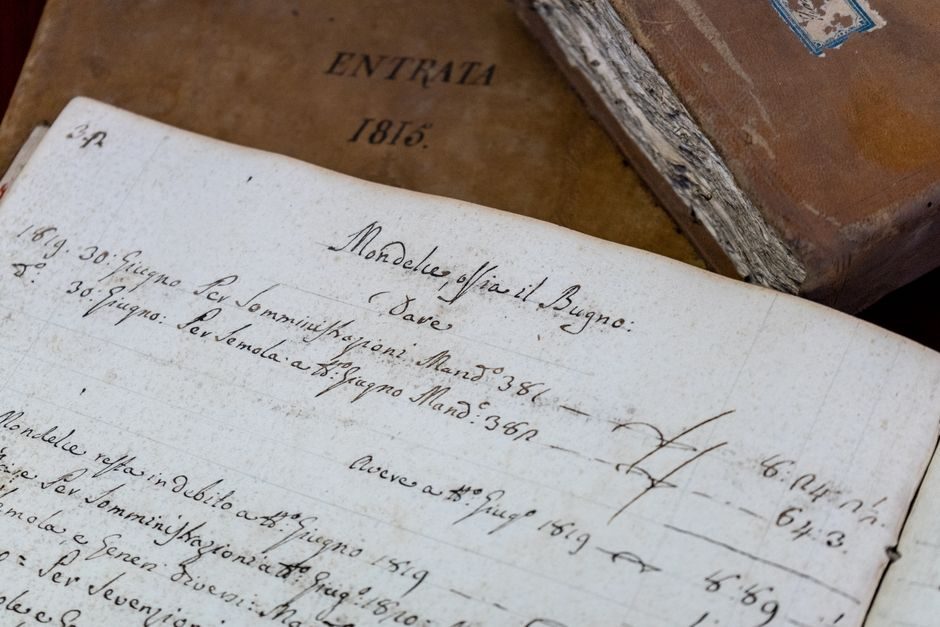
Many towns maintain library databases and public archives with obituary notices. Start there to locate scanned notices, local notices, and cross-referenced memorials. Compare digital copies with printed editions when possible.
University or state archives may host digitized newspapers with advanced search filters. Use date ranges and location fields to narrow results. Download or export records in a structured format for reuse.
Local directories often differ in naming conventions and spellings; confirm multiple spellings of common names to avoid missing entries. Build a small lookup table to normalize these variants for future searches.
- Use library catalogs and archive portals
- Leverage newspaper digitization projects
- Cross-check multiple sources for consistency
- Normalize name spellings across systems
Community updates and events
Connecting readers with timelines
Community updates can include memorial services, charity events, and anniversary acknowledgments. Treat these as dynamic data points that may change as plans evolve. Record the event type, date, venue, and contact information.
Create a calendar view that filters by date and location to help readers plan or verify notices. Include a brief note on accessibility or live-stream options to broaden participation.
Encourage community contributors to submit notices with clear attribution and a brief summary. This improves accuracy and speeds up publication while maintaining trust.
- Offer a submission form for notices
- Provide calendar exports for readers
- Clarify attribution requirements
- Highlight accessibility options
Sharing responsibly

Ethical norms for distribution
Obituaries often involve sensitive information; share only what is necessary for readers and with proper consent or public record status. Establish a policy that favors accuracy over speed when publishing every detail.
- Publish only verifiable data
- Redact sensitive details unless public
- Disclose sources and accuracy notes
- Provide a clear correction path
Respect privacy by redacting non-essential data such as private addresses or phone numbers unless they are part of the public obituary and relevant to historical record.
Provide disclosures about data quality and sourcing. A brief note on how notices are collected helps readers assess credibility without disclosing internal procedures.
- Limit personal data we publish
- Prefer publicly verifiable notices
- Disclose data sources and limitations
- Offer corrections process for readers
Frequently asked questions
How should I verify obituary notices before sharing them?Cross-check the notice against at least two independent sources, preferably official public records, archival scans, or library catalogs. Note any discrepancies and only publish when there is a clear, confirmable match. If uncertainty remains, pause publishing and seek clarification.
What data should be included publicly in obituaries?Include the name, date, and location that appear in the original notice, plus the source. Omit private contact details and nonessential personal information unless it is part of the public record or memorial purpose. Provide context about the notice where helpful.
How can readers help improve accuracy?Readers can submit notices using a structured form and include source links. They should point out any suspected errors and allow time for editors to verify. Corrections should be published alongside the original notice, with an explanation of what changed.
Are there privacy concerns with archiving notices?Archiving public notices is common, but sensitive data should be minimized. Favor publicly available information and clearly label archival items. If a family requests removal of details, editors should review and respond with a documented decision.
Conclusion
The guide emphasizes disciplined data handling, local archival practice, and responsible sharing as core habits for technology-focused obituary coverage. Start small with a solid data schema, then expand to local directories and community updates to keep notices accurate and useful.
Treat updates and corrections as ongoing work, not one-off posts. Build readers’ trust by documenting sources, offering clear corrections paths, and maintaining a transparent publication process. The next step is to formalize submission flows and establish a fixes queue for timely updates.

Add Crypto News as a preferred source on Google


